Fixing GitHub Stats Card Issue in Jekyll al-folio 🚀
Deploy on Your Own
First Step: Get Your Personal Access Token (PAT)
To deploy your own instance of GitHub Readme Stats, you need a GitHub Personal Access Token (PAT). This token allows you to bypass API limits and optionally show private contributions.
Classic Token
- Go to Account → Settings → Developer Settings → Personal access tokens → Tokens (classic).
- Click on Generate new token → Generate new token (classic).
- Select scopes:
reporead:user
- Click Generate token and copy it.
Fine-Grained Token
⚠️ Warning: Fine-grained tokens limit scope to issues and only include public commits.
- Go to Account → Settings → Developer Settings → Personal access tokens → Fine-grained tokens.
- Click on Generate new token → Generate new token.
- Select an expiration date.
- Choose All repositories.
- Under Repository permissions, set:
- Commit statuses: read-only
- Contents: read-only
- Issues: read-only
- Metadata: read-only
- Pull requests: read-only
- Click Generate token and copy it.
On Vercel
🎥 Step-by-step video tutorial by @codeSTACKr
Since the GitHub API only allows 5k requests per hour, hosting on your own Vercel server removes this limitation.
💡 Note: Since PR #58, request handling has improved with fewer downtime issues.
💡 Note: On Vercel Pro, you can increasemaxDurationinvercel.jsonif requests frequently time out. Keep it below 30 seconds to avoid high memory usage.
👉 Before deploying, fork bmfatiur/github-readme-stats.
🔧 Step-by-step guide on setting up your own Vercel instance
1. Go to [vercel.com](https://vercel.com/). 2. Click **Log in**.  3. Sign in with GitHub → **Continue with GitHub**. 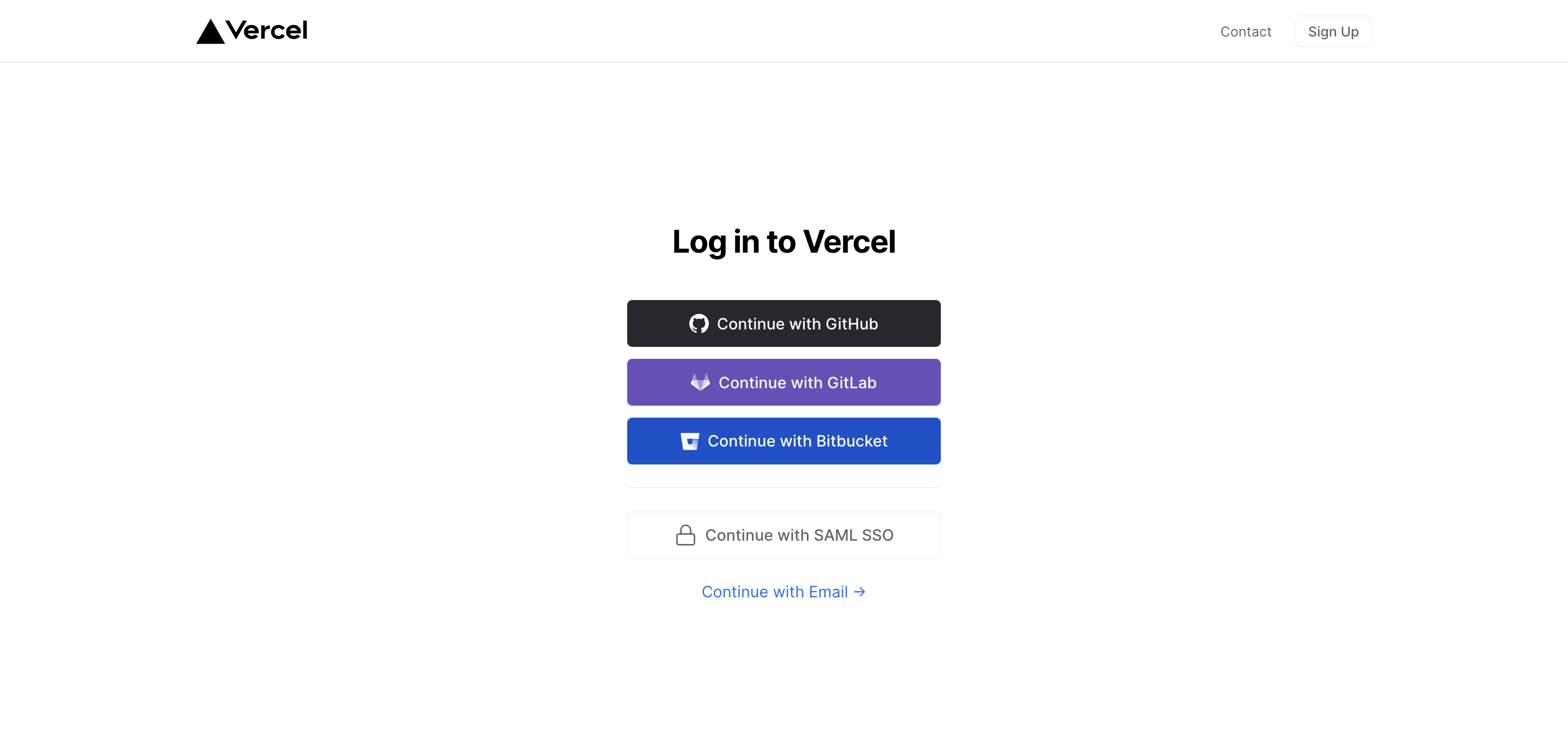 4. Allow GitHub access to repositories if prompted. 5. Fork the repo. 6. Go to your [Vercel dashboard](https://vercel.com/dashboard). 7. Click **Add New → Project**. 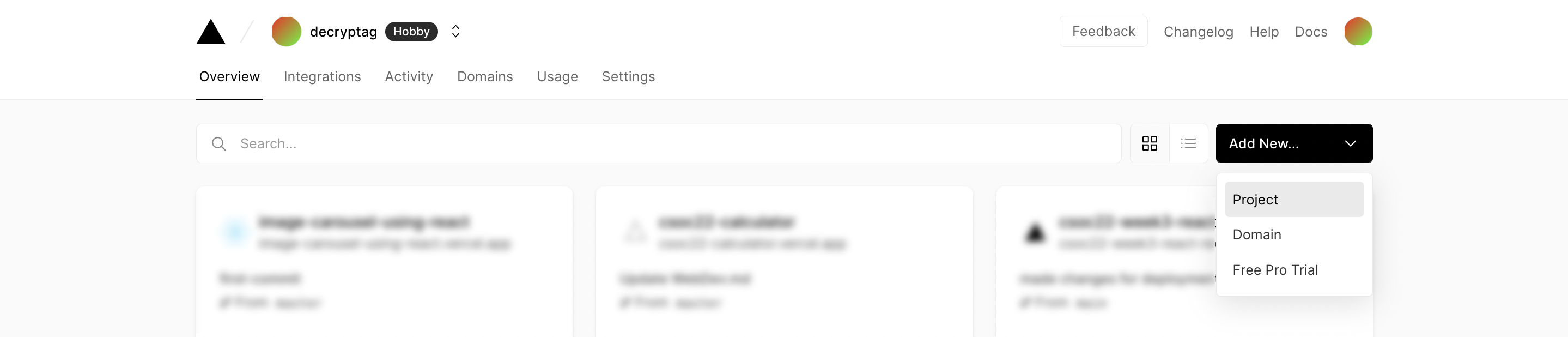 8. Import the forked repo via **Continue with GitHub → Import**. 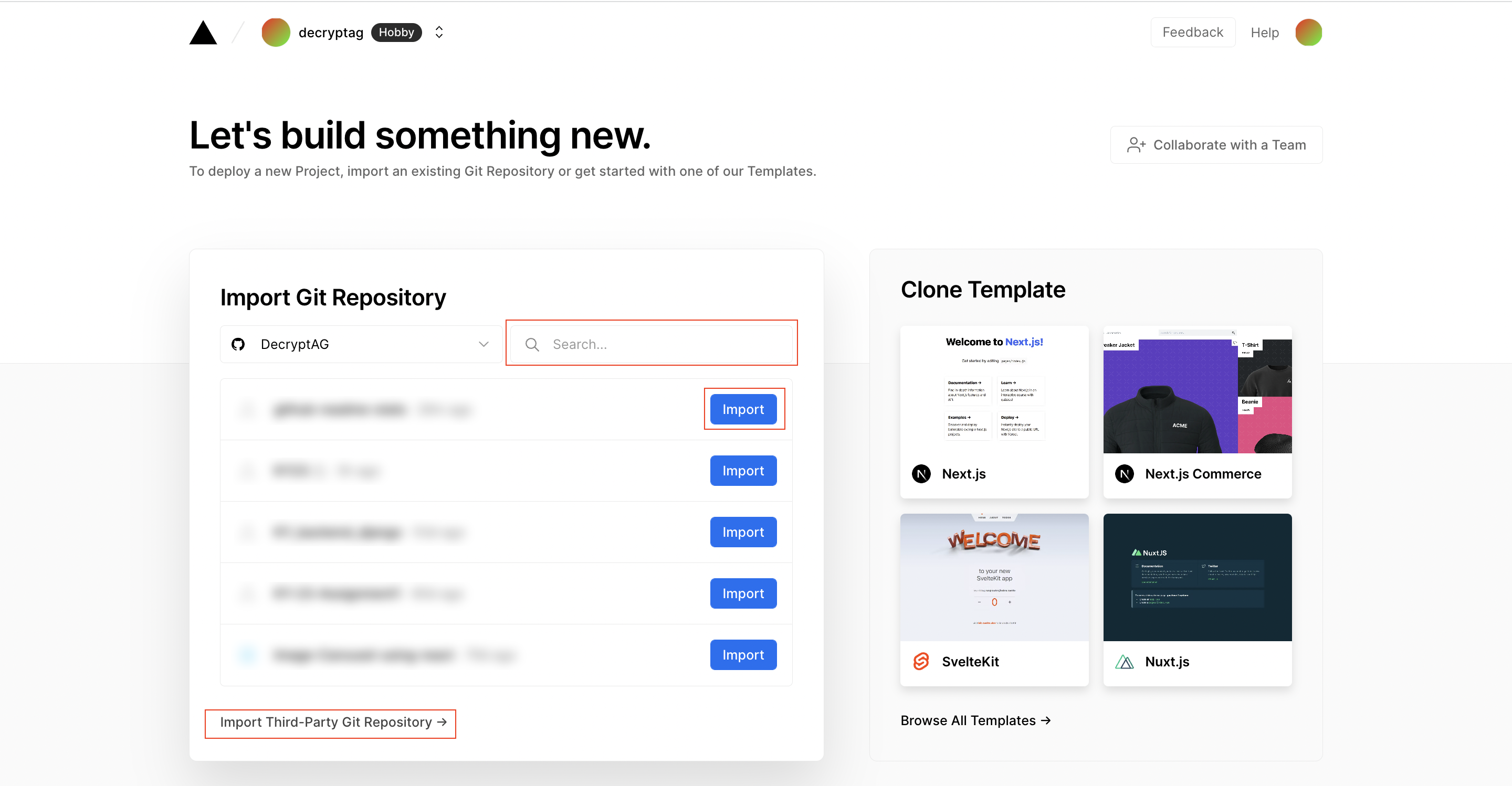 9. Create a PAT (see [above](#first-step-get-your-personal-access-token-pat)). 10. Add the PAT as an environment variable named `PAT_1`. 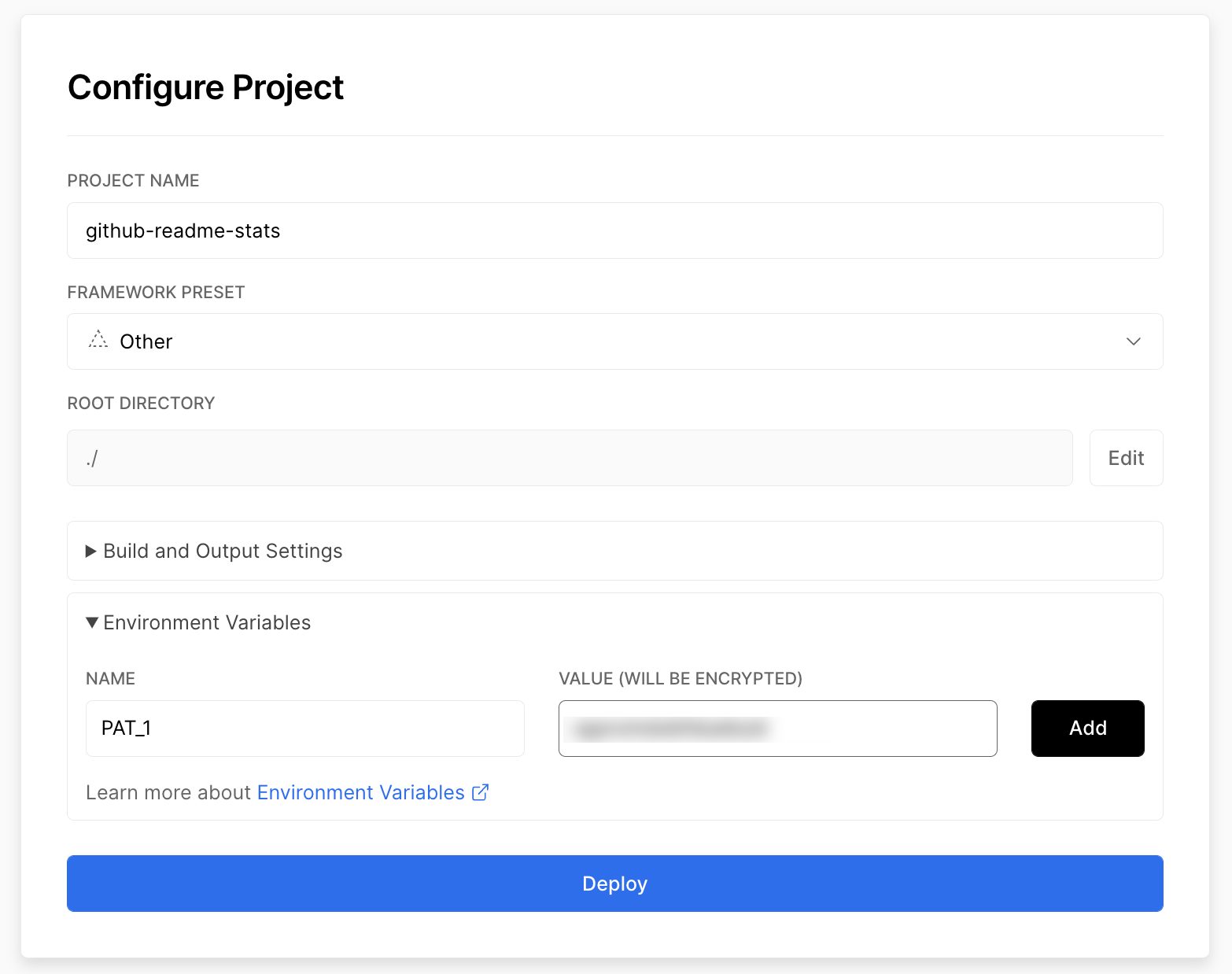 11. Click **Deploy** → check your domains to use the API.Update Jekyll al-folio Includes
Finally, update the following files in your al‑folio repo:
_includes/repository/repo.liquid_includes/repository/repo_user.liquid
Replace all instances of:
https://github-readme-stats.vercel.app
with your deployed domain, e.g.:
https://github-readme-stats-theta-pink-91.vercel.app
✅ That’s it! Your GitHub stats cards should now render correctly in al‑folio. Hopefully working smoothly — InshaAllah.
Enjoy Reading This Article?
Here are some more articles you might like to read next: